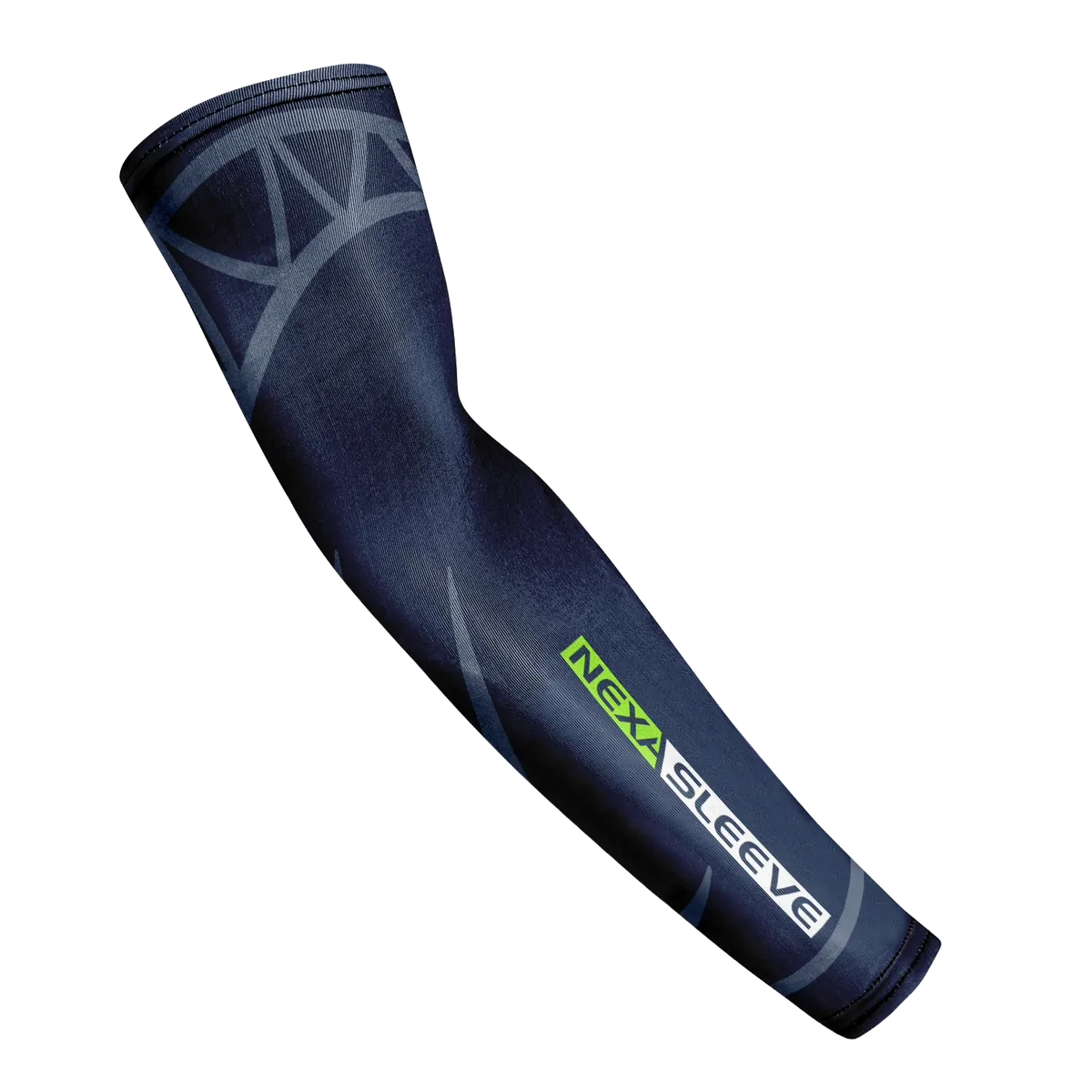
Nexa Sleeve guide

How to wear a gaming sleeve.

Putting on a gaming sleeve takes 10 seconds. Here’s how to get the right fit every time.

Step 1

Find your size

Measure around your relaxed biceps at the widest point with a soft measuring tape. Compare it with the size guide below and pick the size that matches your biceps. Between sizes? Go by your biceps measurement.

SizeLengthBicepsWrist
S16 – 16.28.3 – 9.36.8 – 7.8
M17 – 17.39.7 – 10.27.1 – 8.1
L17.2 – 17.510.2 – 11.47.1 – 8.1
XL18.1 – 18.411.5 – 127.2 – 8.3

All measurements in inches.

Step 2

Find the wide end

The wider opening goes on your upper arm (biceps). The narrow end goes at your wrist.

Step 3

Slide it on

Put your hand through the wide opening and slide the sleeve up your arm.

Step 4

Position it

Pull the sleeve up until the top sits on your biceps. The narrow end should lie flat on your wrist, just above your hand.

Step 5

Smooth it out

Smooth out any wrinkles so the fabric lies flat along your forearm. That’s where the sleeve glides on your desk and mouse pad.

How should it feel?

Snug, not tight. You should be able to move your arm and wrist freely. If it leaves deep marks or feels uncomfortable, try one size up.

Quick tips

  • Best on hard and glass mouse pads.
  • To take it off, roll it down from the top.
  • Machine washable. 90% polyester, 10% spandex.
Nexa Sleeve gaming compression arm sleeve

Ready to level up?

$21